Connect to PUJ Wi-Fi
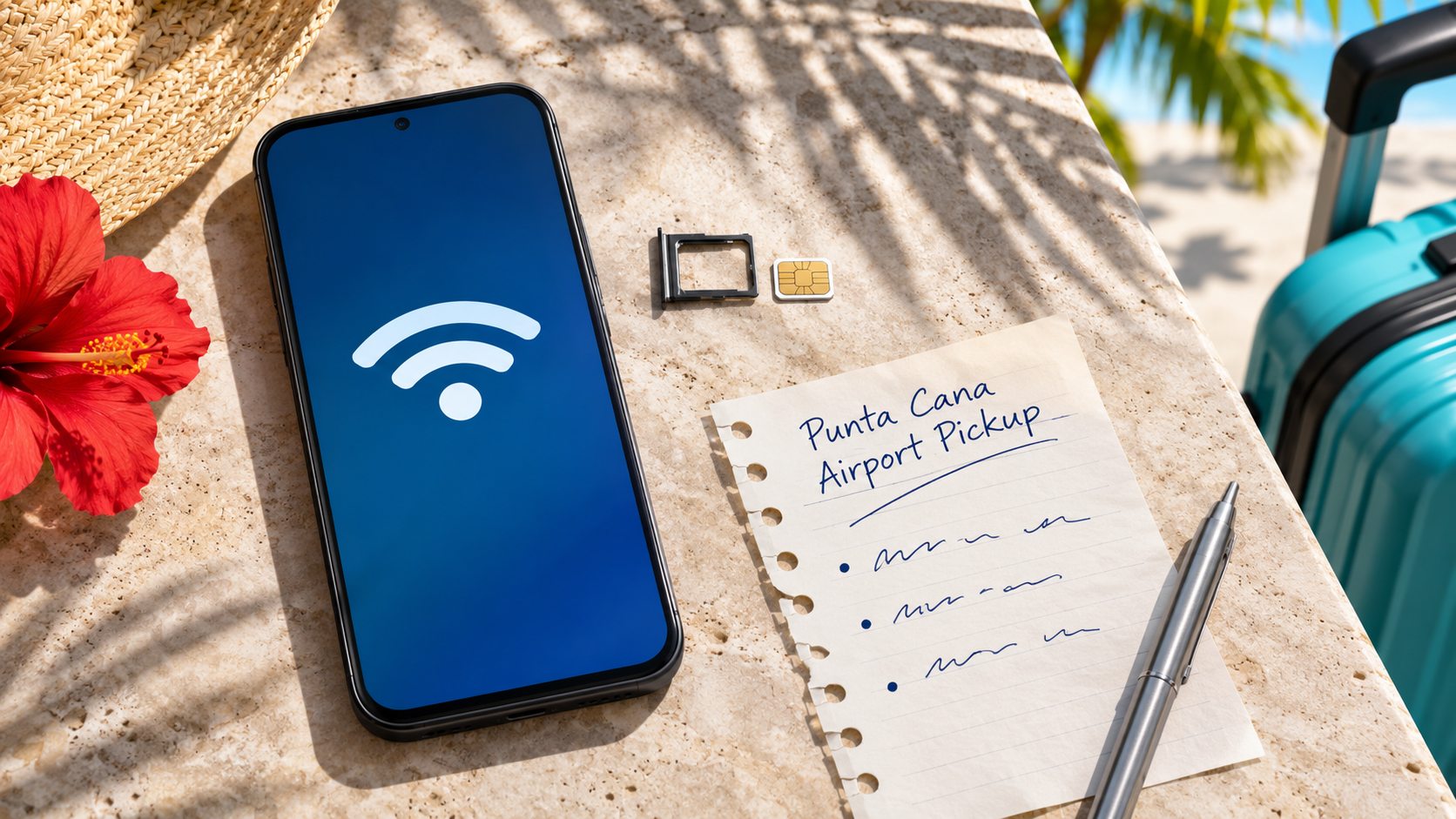
Punta Cana Airport publishes instructions for free Wi-Fi. Turn on Wi-Fi and look for Airport Punta Cana, the network named in the airport operator’s manual. Once connected, open a browser and follow the sign-in page. Choose the free option shown in the current prompt and complete the steps it asks for. If you are unsure which network to join, check the operator’s instructions or ask airport staff. Seeing the Wi-Fi icon does not tell you whether a message has gone through. Check that the browser can load a page and that a test message actually sends before relying on the connection to coordinate your pickup. Keep your travel documents and meeting instructions available offline in case the connection is unavailable where you need it.
PUJ terminals and airport facilitiesDecide whether you need mobile data
The airport operator’s FAQ says it currently has no SIM card sales service at PUJ and points travelers to shops at BlueMall Puntacana. Check store availability directly if you plan to buy a local SIM later. If you need data as soon as you land, check whether your existing plan covers roaming in the Dominican Republic or arrange a compatible travel eSIM before flying. Confirm that your exact device supports the eSIM, that your phone can use another carrier, and when the plan starts. Read the provider’s setup instructions while you still have a reliable connection. Check whether the plan provides calls and SMS as well as data, especially if your fallback depends on calling dispatch or receiving a text.
Meet your driver without internet
Before flying, save your booked name, flight number, terminal-specific meeting instructions, and the dispatch contact from your confirmation. Agree with your provider on what to do if you cannot send a message. If companions arrive on separate flights, choose a meeting point and a fallback time you can all remember without checking a chat. After customs, follow the directions you saved for your actual arrival terminal. If your message will not send, use the agreed meeting point and fallback instead of changing locations without telling anyone. Ask airport staff for directions if you cannot find the spot. When you reconnect, contact dispatch through your original booking channel and provide your terminal and current location so the provider can confirm your next step.
Arrange your PUJ pickup